About this tool
Paste any text, URL, or short message and get a QR code you can scan, save, or print - built entirely in your browser with no external service and no upload. Pick an error-correction level (higher levels stay scannable even if part of the code is scratched, dirty, or covered by a logo, but store less data), then download the result as a PNG image.
How to use it
- 1 Paste or type the text or URL you want to encode.
- 2 Pick an error-correction level - Medium works well for most cases.
- 3 Download the PNG once the preview looks right.
Frequently asked questions
What is a QR code?
A two-dimensional barcode that stores text, usually a URL, and can be read instantly by a phone camera.
What does error correction level do?
It controls how much of the code can be damaged, dirty, or covered by a logo and still scan correctly. Higher levels (Q, H) resist more damage but store less data for the same code size.
Is there a length limit?
Yes - this tool supports QR versions 1 to 10, which comfortably fits any URL or short message (up to a few hundred characters depending on the error-correction level). For most links and text this is far more than enough.
Embed this tool
Add this free tool to your own website — copy the code below. It stays up to date automatically.
Tools for your site →More free tools
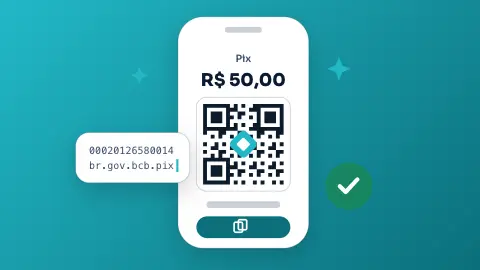
Pix QR Code Generator
Create a Pix QR code and the copy-and-paste code for any key, with an optional amount and message - free, following the Banco Central standard.
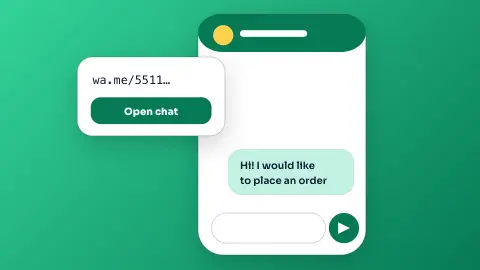
WhatsApp Link Generator
Create a WhatsApp link with your number and a ready-made message for your Instagram bio, site or ads - plus a QR code to print.
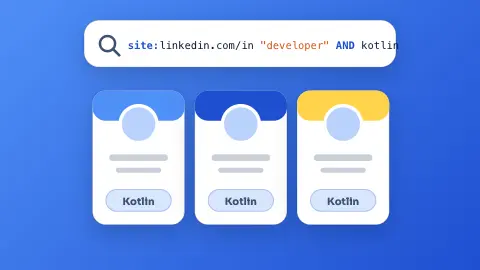
LinkedIn Search URL Builder
Turn a target profile into a ready-to-open LinkedIn people-search link with the filters already applied.
Lorem Ipsum Generator
Generate paragraphs, sentences or words of classic Lorem Ipsum filler text.
Random Number Generator
Pick fair random numbers in any range, with an option for no repeats.
UUID Generator
Generate random version-4 UUIDs (GUIDs), one or in bulk, instantly in your browser.