About this tool
This generator uses your browser's cryptographic random number generator (the same one used for encryption keys), so every result is genuinely unpredictable. Choose "Random characters" for a traditional password, or switch to "Passphrase" for a string of real words (like the ones security guides recommend for accounts you need to type by hand or memorise) - pick the word count, separator, and whether to capitalise or add a number. Nothing is transmitted or stored - it is created on your device and disappears when you leave the page.
How to use it
- 1 Choose Random characters or Passphrase (words).
- 2 For characters: set the length and tick the character sets you want.
- 3 For a passphrase: set the number of words, separator, and capitalisation.
- 4 Press Generate, then Copy, and paste it straight into your password manager.
Frequently asked questions
Are these passwords really random?
Yes. They come from window.crypto.getRandomValues, a cryptographically secure source - not Math.random.
Is the password sent anywhere?
No. It is generated locally and never leaves your browser. Reload the page and it is gone.
What does the "bits of entropy" number mean?
It is a rough measure of how hard the password is to guess. Under ~40 bits is weak; 70+ is strong; 100+ is very strong.
Should I still use a password manager?
Yes - generate here, store there. Reusing even a strong password across sites is the bigger risk.
What is a passphrase and is it as strong as a password?
A passphrase is several random words strung together. With enough words it can be just as strong as a random password and is far easier to type or memorise - the strength meter shows exactly how many bits of entropy your chosen word count gives you.
Guide
How to Create a Strong Password You Can Actually Remember
Length beats complexity. Here is how to build passwords that are genuinely hard to crack, why a passphrase is easier to live with, and the mistakes to avoid.
Read the guide →Embed this tool
Add this free tool to your own website — copy the code below. It stays up to date automatically.
Tools for your site →More free tools
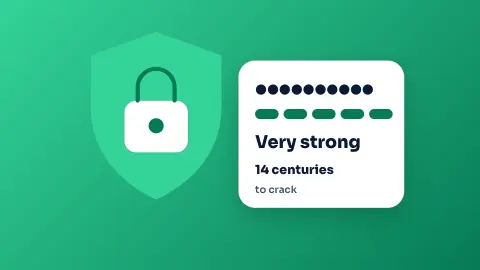
Password Strength CheckerNew
See how strong a password really is, how long it would take to guess in three attack scenarios and what to change - checked in your browser, never sent.
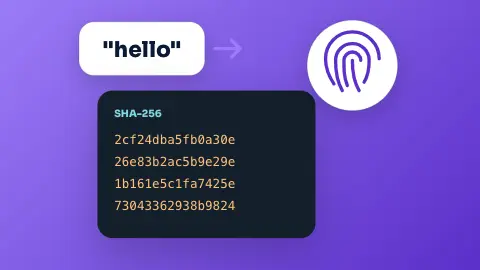
Hash Generator
Get the SHA-1, SHA-256 and SHA-512 digest of any text, computed locally.
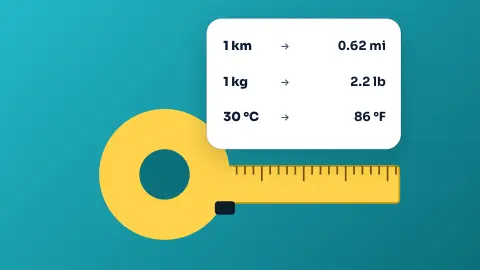
Unit Converter
Convert length, weight, temperature, area, volume, speed, time, pressure, energy and data - instantly, in your browser.

Percentage Calculator
Percent of a number, percent change, discount price, and tip splitting - five common questions in one tool.
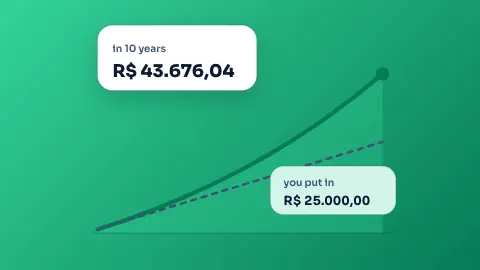
Compound Interest Calculator
See how savings grow over time with regular contributions and compound interest.

Image Resizer & Compressor
Shrink one photo or a whole batch to a target width and quality without uploading them anywhere.